Virtual events have become a practical way to teach, build communities, launch products, host workshops, and bring people together without requiring everyone to be in the same place.
But creating a good virtual event usually involves more than starting a video call.
Depending on the type of event you want to run, you may need a landing page, registrations, ticket payments, an agenda, a live room, audience interaction, recordings, and a place where attendees can access the replay afterward.
Fortunately, there are plenty of web apps that can help. Some focus on live video. Others specialize in ticketing, networking, webinars, or complete event management.
In this guide, we look at 10 web apps for creating virtual events and explain which type of event each one is best suited for.
What Is a Virtual Event?
A virtual event is an event that people attend online instead of meeting at a physical venue.
Virtual events can take many different forms, including:
- Webinars
- Online workshops
- Classes
- Conferences
- Community meetups
- Product launches
- Training sessions
- Interviews and panels
- Networking events
- Online summits
The format can be as simple as a one hour live presentation or as complex as a conference with several speakers, sessions, sponsors, and networking opportunities.
While a video call can be part of a virtual event, the event itself often includes a broader experience. Attendees may visit an event page, register, view an agenda, join one or more live sessions, interact with speakers or other participants, and access recordings afterward.
The tools you choose depend largely on which of these parts matter most for your event.
The Best Virtual Event Platforms at a Glance
If you want the short version, this table shows where each platform tends to fit best.
| Platform | Best for | Standout feature |
|---|---|---|
| Zoom Events | Webinars and large audiences | Familiar video experience |
| Eventbrite | Ticketing and event discovery | Registration marketplace |
| Airmeet | Networking focused events | Audience interaction |
| Gala Rise | Creators and communities | Event page, tickets, live sessions, and replay |
| GoBrunch | Interactive virtual rooms | Immersive event spaces |
| Cvent | Enterprise events | Advanced event management |
| Riverside | Broadcast style events | High quality recording |
| vFairs | Large virtual conferences | Conference style environments |
| Livestorm | Webinars and demos | Browser based events |
| Google Meet | Simple virtual gatherings | Ease of use |
10 Best Web Apps for Virtual Events
Zoom Events: Best for Webinars and Large Audiences
Zoom is one of the most familiar names in online meetings, and Zoom Events expands that experience for larger virtual gatherings.
It can be a good choice for webinars, company events, conferences, training sessions, and events where the live video experience is the main focus.
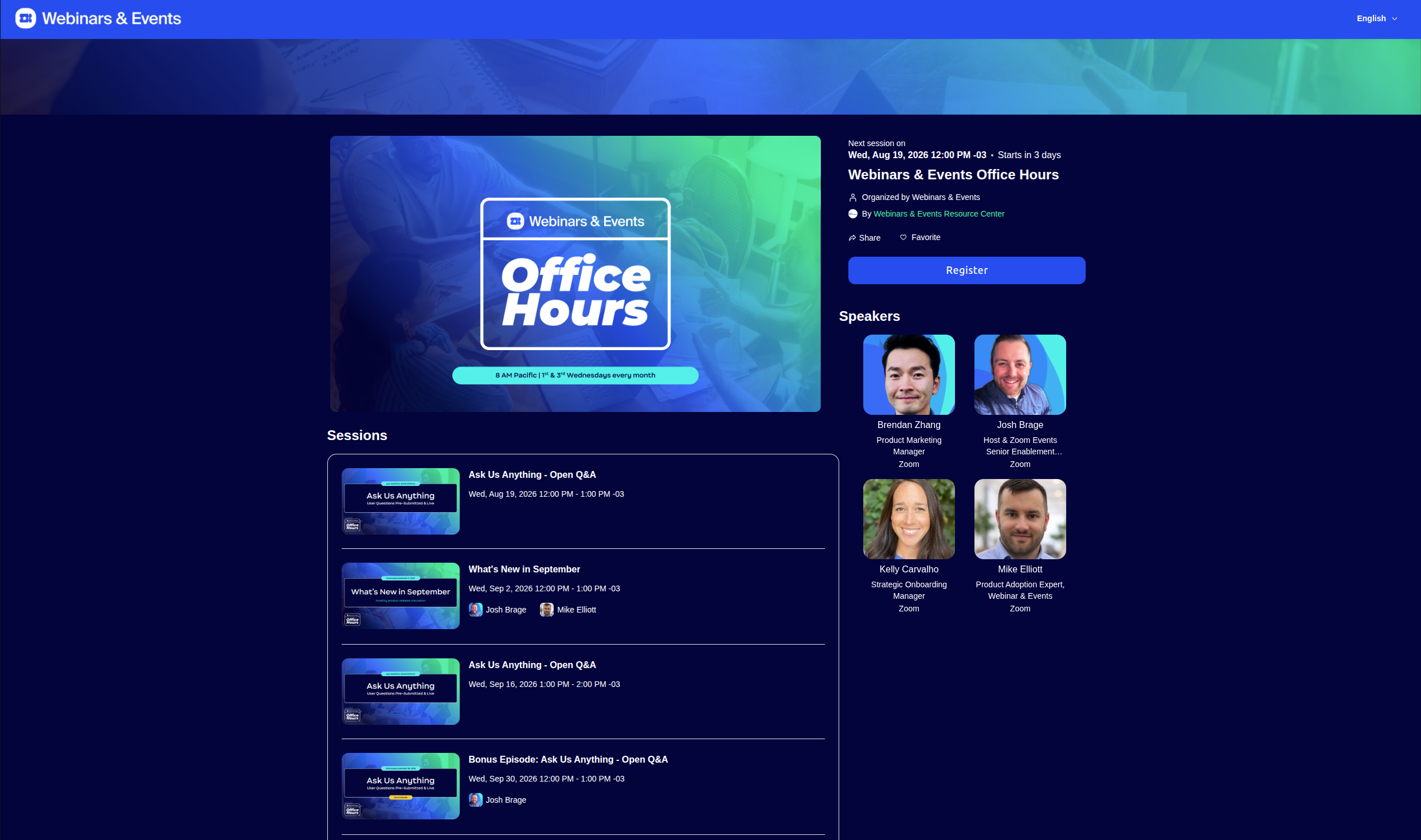
One of Zoom's biggest advantages is familiarity. Many attendees already know how to join a Zoom session, which can reduce friction when your event begins.
For organizers who primarily need reliable live video and audience management, Zoom is an easy platform to consider.
Best for: Webinars, conferences, corporate events, and large audiences
Key strengths: Live video, breakout rooms, attendee management, and a familiar interface
Consider it if: The live session is the most important part of your virtual event.
Eventbrite: Best for Ticketing and Event Discovery
Eventbrite approaches virtual events from a slightly different direction.
Instead of focusing primarily on the live room, it is well known for helping organizers publish events, manage registrations, sell tickets, and make events discoverable to people already browsing its marketplace.
That makes Eventbrite especially useful if attracting attendees is one of your main challenges.
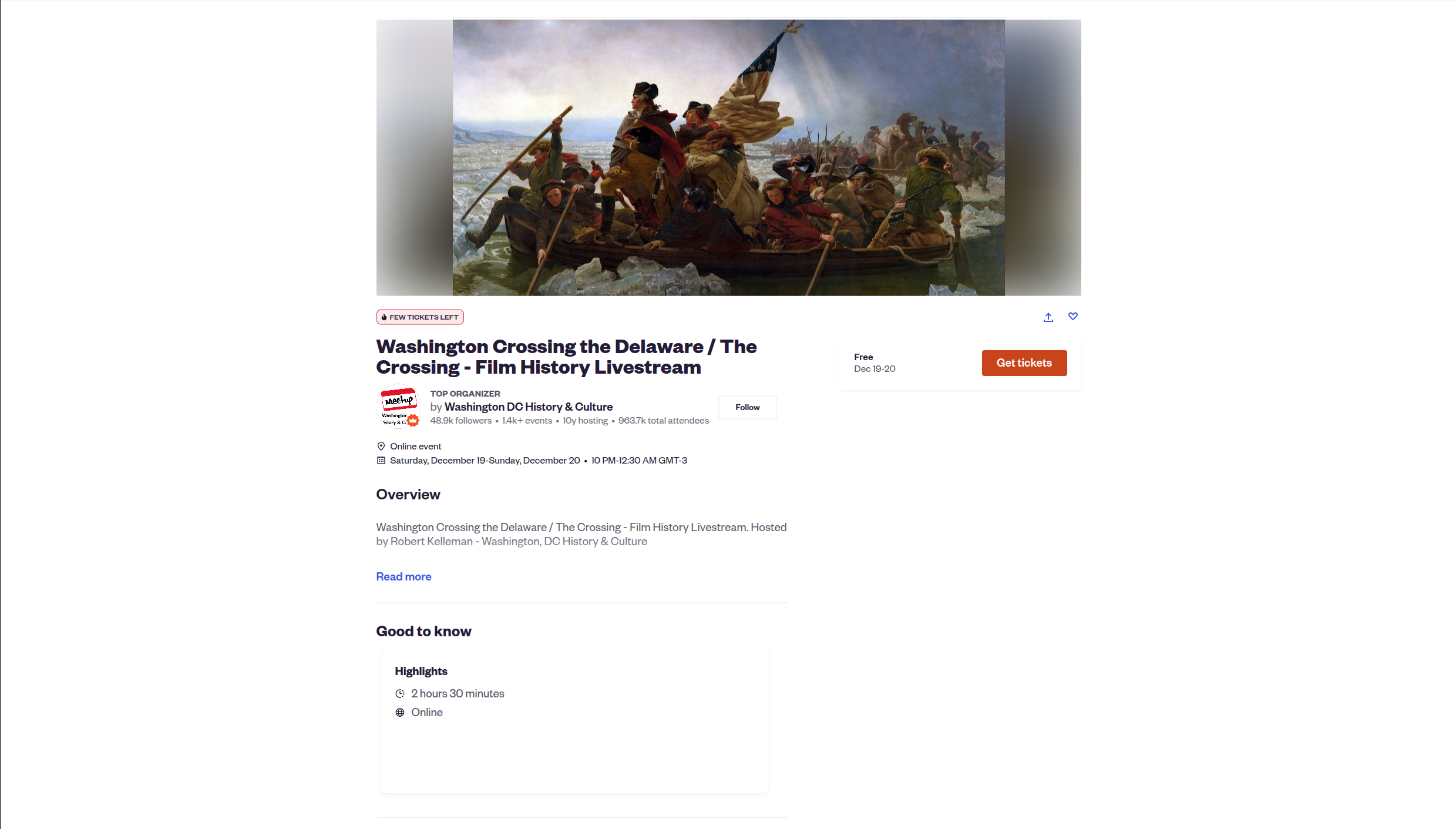
It can work for both online and in person events, so it is also a practical option for organizers running a mix of formats.
You may still need another platform to host the actual live experience, depending on how your event is structured.
Best for: Public events, workshops, classes, and ticketed events
Key strengths: Registration, ticket sales, event discovery, and attendee management
Consider it if: You want a recognizable ticketing platform and access to an existing event marketplace.
Airmeet: Best for Networking and Audience Engagement
Some virtual events are essentially presentations. Others depend heavily on interaction between attendees.
Airmeet is particularly interesting for the second category.
The platform is designed around virtual events where networking, conversations, and audience participation are important parts of the experience.
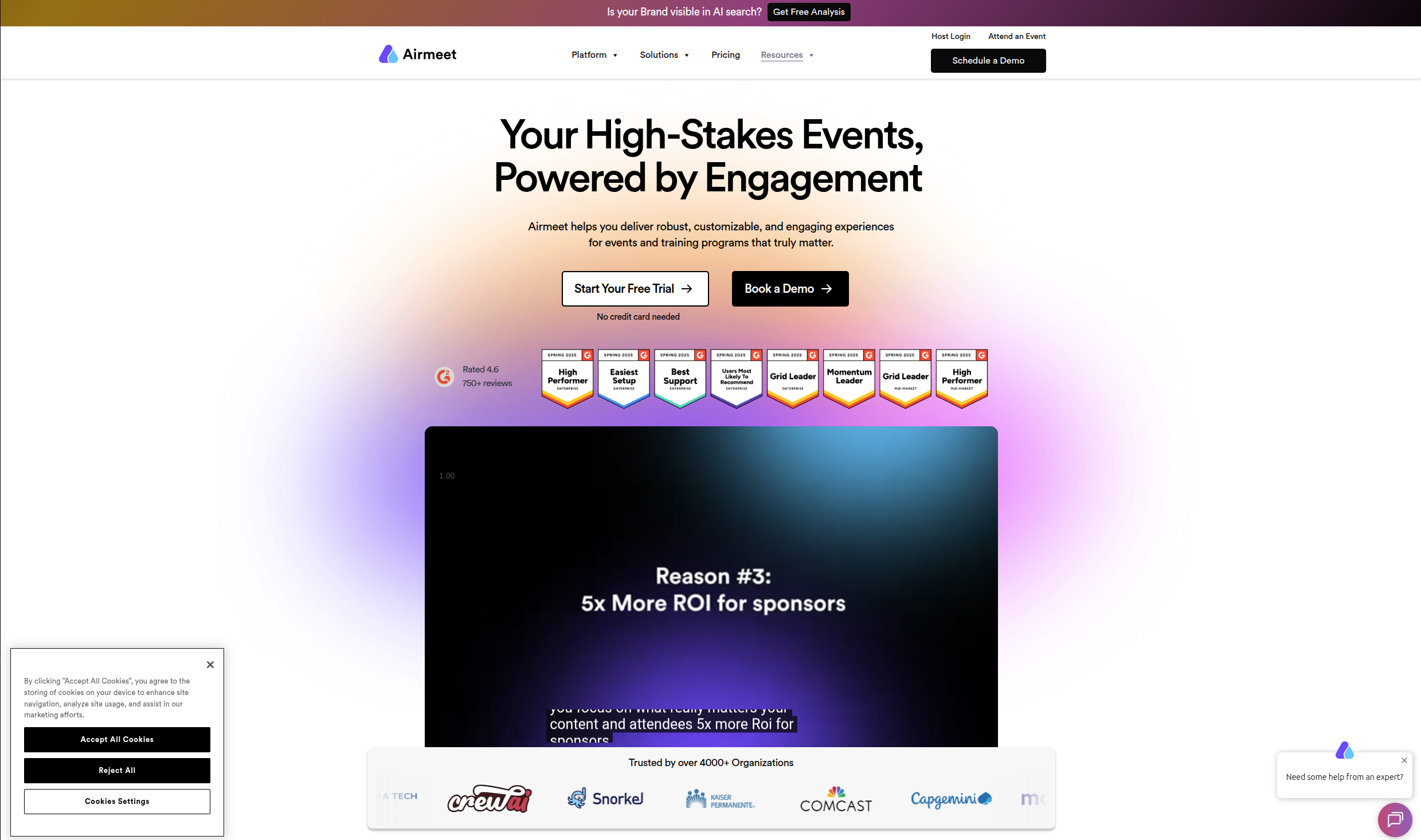
This can make it a better fit for conferences, community gatherings, networking events, and events where attendees should interact with each other instead of simply watching a speaker.
For organizers who want their virtual event to feel more like a venue and less like a video call, tools like Airmeet are worth considering.
Best for: Networking events, conferences, and interactive communities
Key strengths: Audience engagement, networking, and interactive virtual spaces
Consider it if: Interaction between attendees is a major part of your event.
Gala Rise: Best for Creators, Communities, and Schools
Many virtual event tools focus primarily on what happens during the live session.
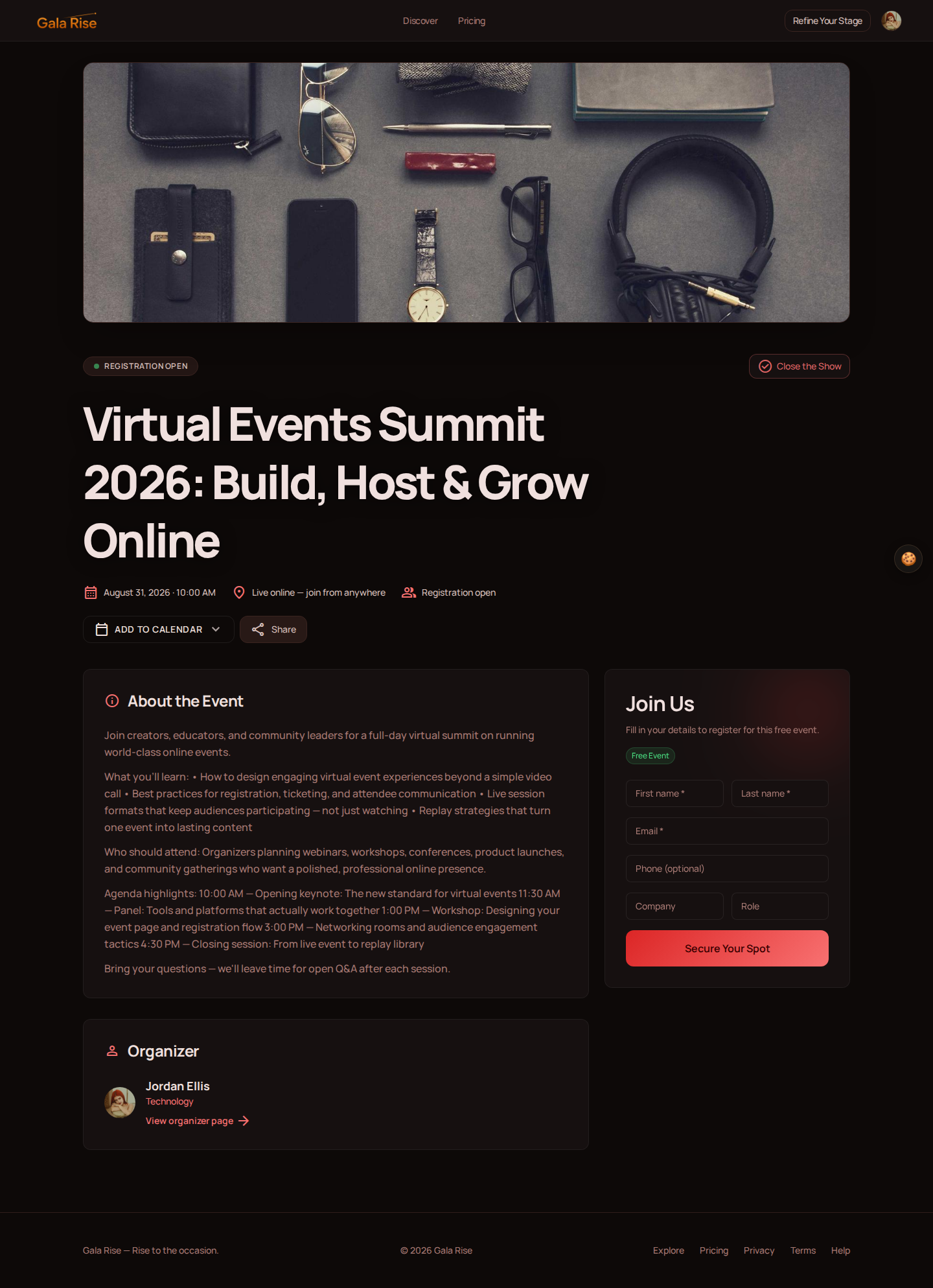
Gala Rise is designed around the broader event experience.
Organizers can create an event page, collect registrations, sell tickets, publish an agenda, organize live sessions, and make replay content available after the event.
Live sessions can also work together with GoBrunch, giving organizers an interactive virtual room while Gala Rise manages the experience around the event.
This makes Gala Rise particularly useful for creators, communities, schools, workshops, courses, and recurring events where the event should have a clear home before, during, and after the live session.
Rather than treating the event as a single video meeting, Gala Rise gives organizers a place to present and organize the complete experience for their audience.
Best for: Creators, communities, schools, workshops, and recurring virtual events
Key strengths: Event pages, registration, paid tickets, agendas, live sessions, and replay content
Consider it if: You want one place where attendees can discover, join, and return to your event.
GoBrunch: Best for Interactive Virtual Rooms
GoBrunch is built for virtual spaces that feel more interactive than a traditional video conference.
Instead of placing everyone into a standard grid of video feeds, it gives organizers more flexibility to create virtual rooms suited to classes, workshops, community events, and collaborative sessions.

It can be particularly useful when the atmosphere of the live session matters.
For example, a workshop or community gathering may benefit from an environment where participants can interact more naturally.
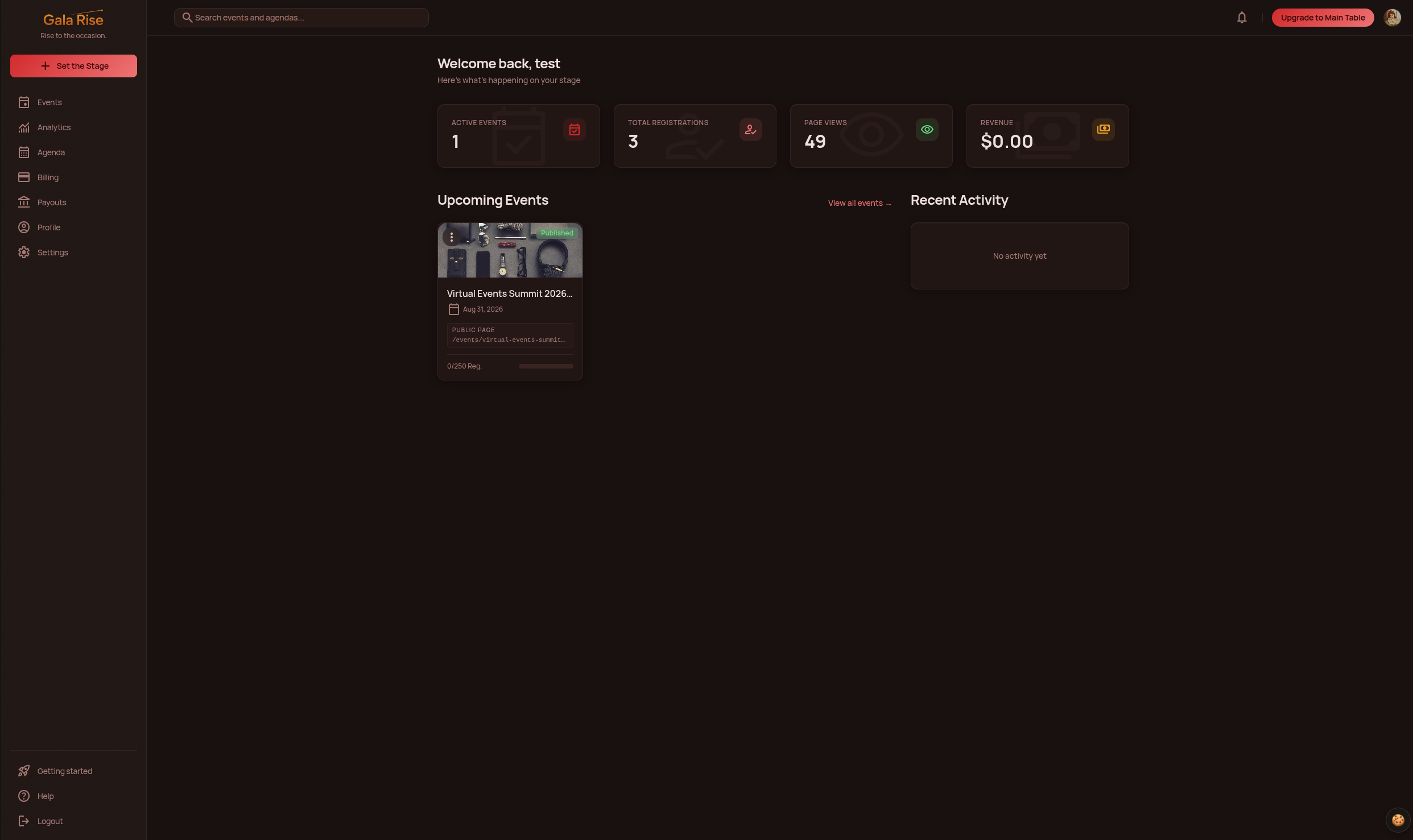
GoBrunch can also complement Gala Rise. Gala Rise can manage the event page, registrations, tickets, agenda, and replay experience, while GoBrunch powers the interactive live room.
Best for: Workshops, classes, communities, and interactive sessions
Key strengths: Virtual rooms, audience interaction, and flexible event environments
Consider it if: You want your live event to feel more like a virtual space than a standard meeting.
Cvent: Best for Enterprise Event Management
Cvent is a much broader event management platform aimed primarily at companies and professional event teams.
It covers both virtual and in person event workflows and includes tools for registration, attendee management, event marketing, reporting, and other operational needs.
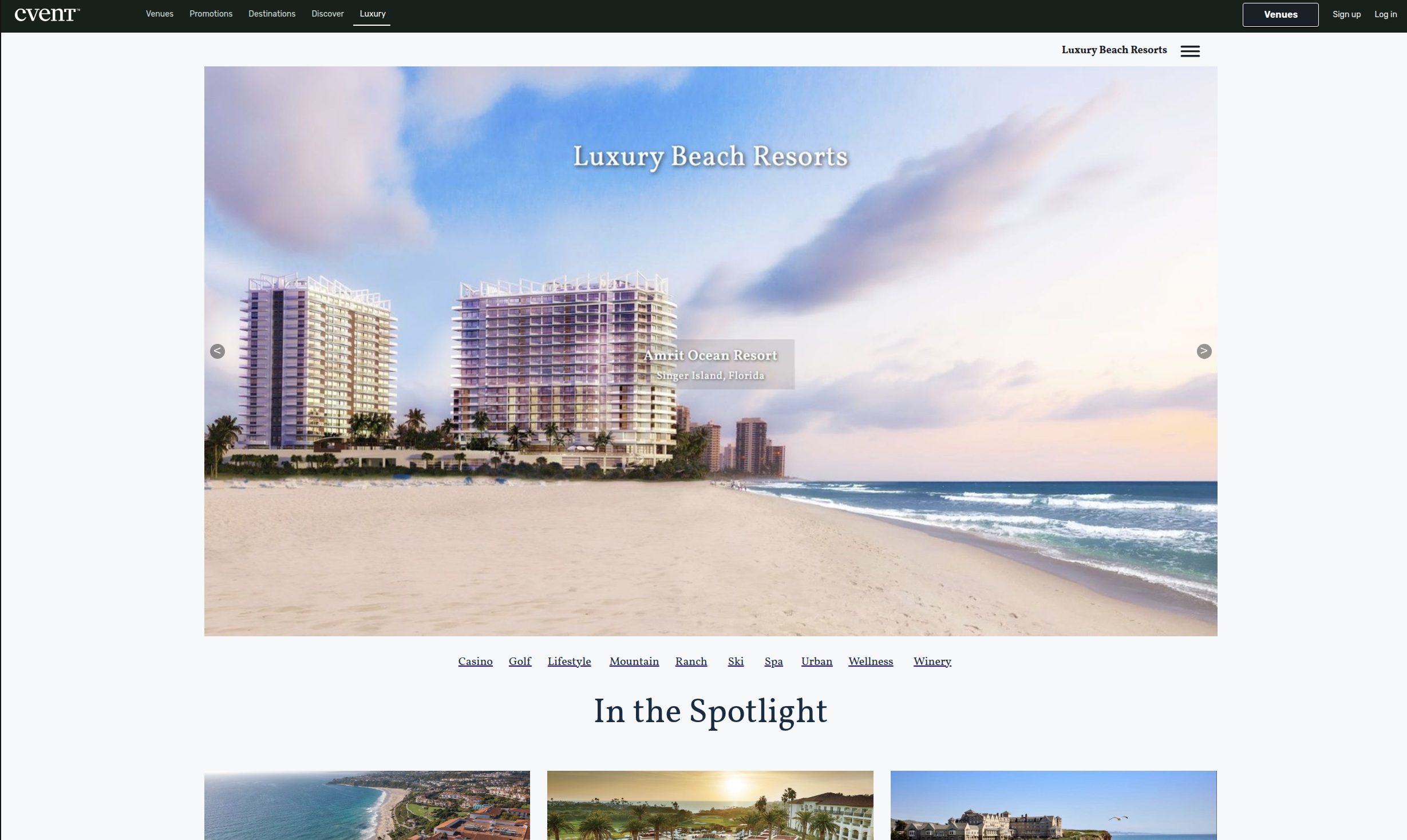
Because of its scope, Cvent is generally more relevant to organizations managing larger or more complex events.
A small creator hosting a monthly workshop probably does not need an enterprise level event management suite. But a company running conferences across multiple formats may benefit from having more advanced infrastructure.
Best for: Enterprises, large conferences, and professional event teams
Key strengths: Event management, registration, analytics, and enterprise workflows
Consider it if: Your organization runs complex events and needs a platform designed for larger teams.
Riverside: Best for Broadcast Quality Virtual Events
Riverside is particularly strong when recording quality matters.
It is commonly used for podcasts, interviews, webinars, video content, and remote productions where organizers want high quality audio and video recordings.
That makes it an interesting option for virtual events that will also become content afterward.
For example, if you are hosting an interview, panel discussion, expert session, or educational event that you plan to publish as a replay or repurpose into clips, the quality of the original recording can make a significant difference.
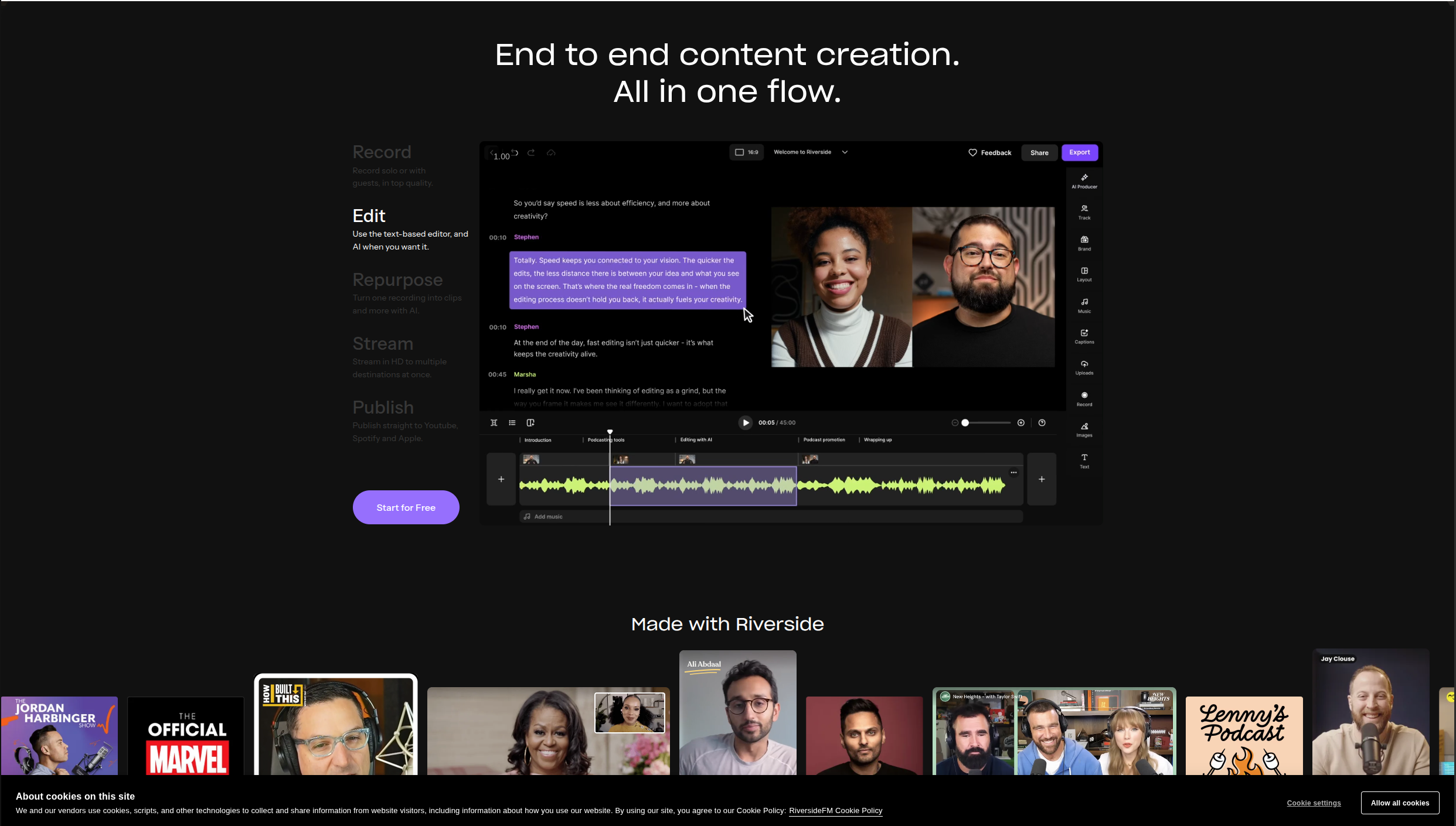
Riverside is less focused on complete event management and more focused on the production itself.
Best for: Interviews, panels, webinars, and recorded virtual events
Key strengths: High quality audio and video recording
Consider it if: Your virtual event will also become reusable video or audio content.
vFairs: Best for Large Virtual Conferences
vFairs is built around larger event experiences.
It is especially suited to virtual conferences, trade shows, career fairs, expos, and events that need multiple areas, sessions, exhibitors, or sponsors.
Rather than recreating a simple webinar, platforms in this category try to reproduce more of the structure of a physical conference online.
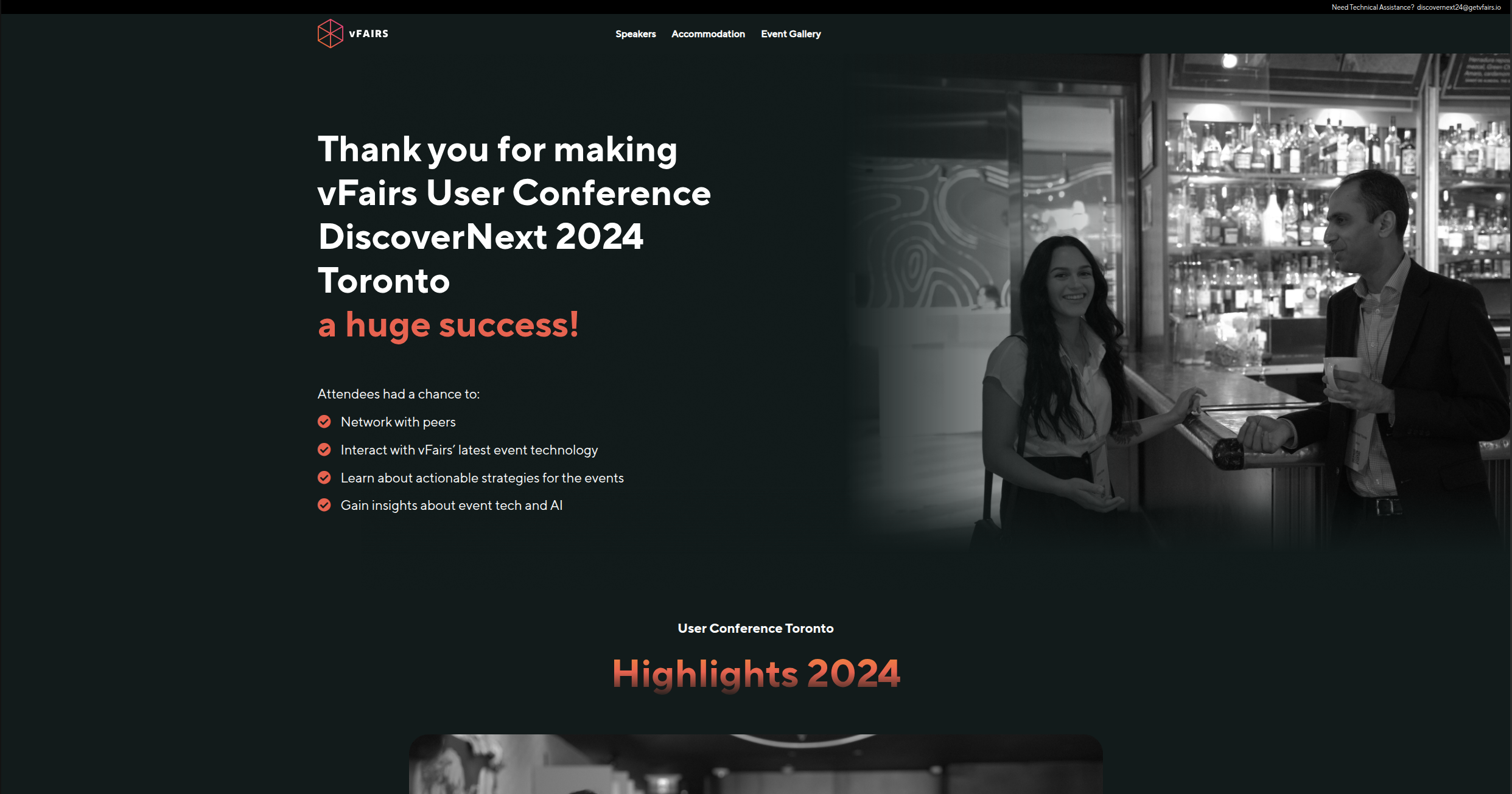
For smaller workshops or creator events, this level of complexity may be unnecessary. But for large organizations that need a more elaborate virtual venue, it can be valuable.
Best for: Conferences, expos, career fairs, and large virtual events
Key strengths: Large scale virtual environments, exhibitor areas, and event experiences
Consider it if: Your event needs to function more like an online conference venue.
Livestorm: Best for Webinars and Product Demos
Livestorm is a browser based platform designed for webinars, online meetings, demos, and other live sessions.
Because attendees can participate through the browser, it can reduce some of the friction associated with installing additional software.
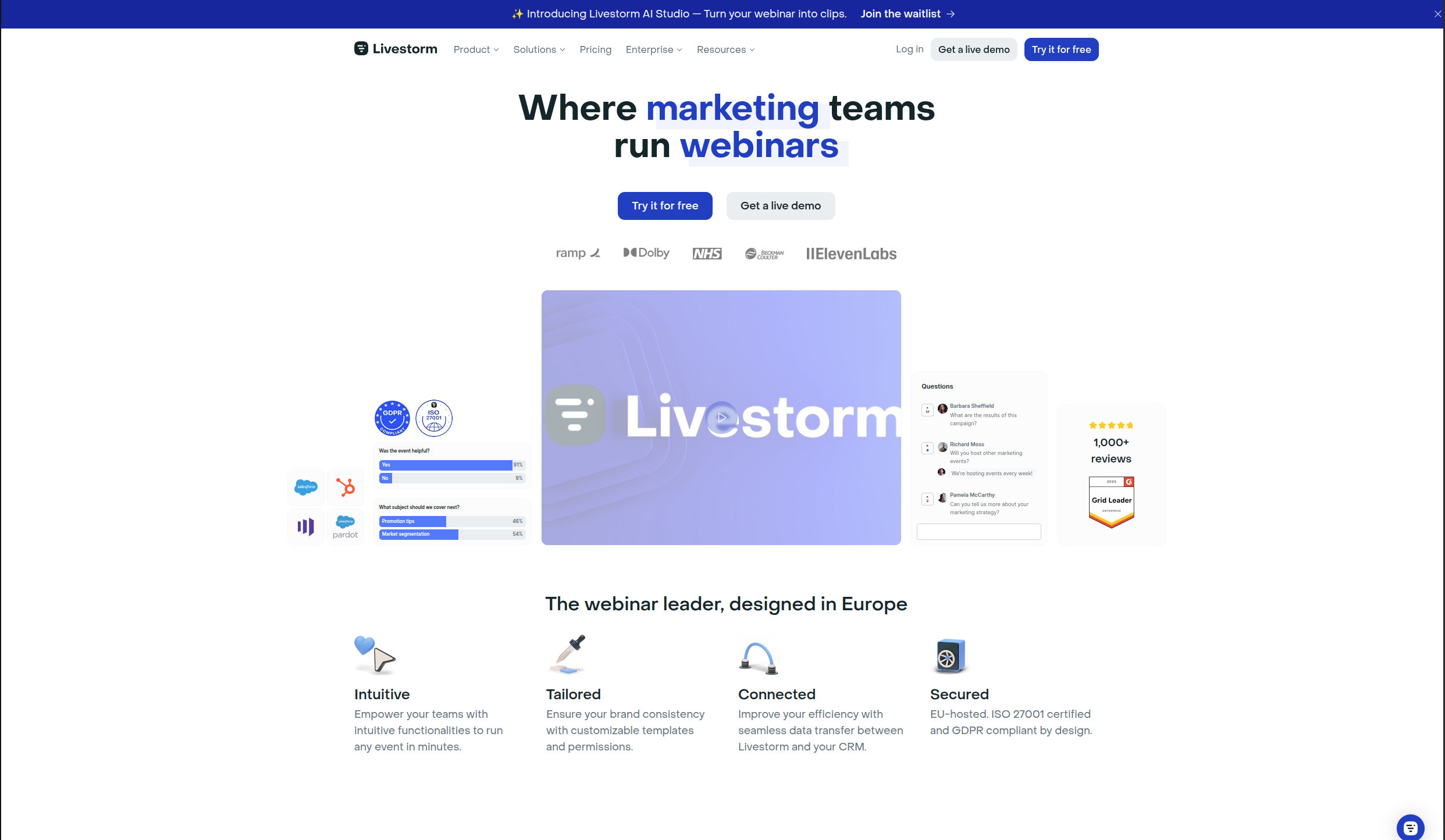
It is particularly relevant for businesses hosting webinars, customer training, product demonstrations, or lead generation events.
Livestorm also focuses on the surrounding webinar workflow rather than just video, making it useful for teams that run online sessions regularly.
Best for: Webinars, product demos, customer training, and business events
Key strengths: Browser based events and webinar workflows
Consider it if: You regularly run webinars or product focused virtual sessions.
Google Meet: Best for Simple Virtual Gatherings
Not every virtual event requires a specialized event platform.
Sometimes you simply need a link, a scheduled time, and a reliable video call.
Google Meet is a practical choice for small gatherings, internal sessions, informal workshops, classes, or events where attendees already know each other.
It lacks many of the event specific features offered by dedicated platforms, but that simplicity can also be its advantage.
If you already have another way to manage the rest of the event experience, Google Meet may be all you need for the live portion.
Best for: Small events, simple classes, team sessions, and informal gatherings
Key strengths: Simplicity and familiarity
Consider it if: You only need a straightforward live video room.
How to Choose a Virtual Event Platform
There is no single virtual event platform that is best for everyone.
The right choice depends on what you are actually trying to organize.
Start With the Type of Event
A webinar and an online conference have very different requirements.
For a webinar, you may prioritize video reliability and presentation tools.
For a workshop, audience interaction might matter more.
For a paid creator event, registration, ticketing, and replay access may be just as important as the live session itself.
Choose your tools based on the event format rather than the number of features on a pricing page.
Decide Whether You Need Ticketing
If your event is always free, a simple registration process may be enough.
If you want to charge for workshops, classes, conferences, or premium sessions, choosing a platform with ticketing support can simplify the experience for both you and your attendees.
Think About What Happens Before the Live Session
Most of the attention in virtual event software goes to what happens during the broadcast.
But attendees interact with your event long before that.
They discover the page, read the description, register, check the agenda, and look for information about how to join.
Those steps are part of the event experience too.
Think Beyond the Live Stream
What happens after your event?
If attendees should receive a replay, presentation, download, or other material, plan for that before choosing your tools.
For creators and educators in particular, replay content can be an important part of the value people receive from an event.
Avoid Unnecessary Complexity
The most powerful platform is not automatically the best one.
A small community gathering and a large international conference have very different needs. The right platform is the one that supports the experience you want to create without adding features and complexity that your event does not require.
It can also make sense to use tools that complement each other. One platform might handle the live room particularly well, while another provides the event page, ticketing, or attendee experience around it.
Choose based on the workflow that makes the most sense for your event.
Frequently Asked Questions About Virtual Events
What is a virtual event?
A virtual event is an event that participants attend online. Examples include webinars, online workshops, virtual conferences, classes, community events, product launches, and networking sessions.
How do you host a virtual event?
Start by deciding on your event format, date, audience, and agenda. You will then need a way to publish the event, collect registrations, host the live session, and communicate with attendees.
For more structured events, you may also need ticket payments, speakers, multiple sessions, and replay content.
What is the best platform for virtual events?
There is no single best platform for every virtual event.
Zoom is a strong choice when the live video session is the priority. Eventbrite is useful for ticketing and discovery. Airmeet is more focused on networking. Gala Rise is designed for creators and communities that want to bring event pages, registrations, tickets, live sessions, and replay content together.
The best option depends on the type of event you are creating.
Can virtual events be paid?
Yes.
Virtual workshops, conferences, classes, community events, coaching sessions, and other online experiences can all be sold as paid events.
To charge attendees, you will need a platform or combination of tools that supports payments and controls access to the event.
What is the difference between a webinar and a virtual event?
A webinar is one type of virtual event.
Webinars usually center around one or more speakers presenting to an audience.
The term "virtual event" is broader and can also include conferences, workshops, classes, networking sessions, community gatherings, online summits, and other formats.
Can I host a virtual event for free?
Yes.
For a basic event, you can use free or low cost tools for your event page, registration, and live video.
As your events become more frequent or structured, a dedicated virtual event platform can make it easier to manage the experience.
Final Thoughts
The best tools for virtual events depend less on which platform has the longest feature list and more on the experience you want to create.
If you only need a simple live call, a tool such as Google Meet may be enough.
If networking is central to the experience, a platform such as Airmeet or GoBrunch may make more sense.
For large corporate events, platforms such as Cvent or vFairs provide infrastructure designed for greater complexity.
If you are a creator, community, or school looking for a simple way to bring your event page, registration, tickets, agenda, live experience, and replay together, Gala Rise is built for that workflow.